





Keeper Tax vs. QuickBooks: Core features
Here’s a breakdown of each app’s basic features.
Since Keeper and QuickBooks Self-Employed both cater to freelancers, they do share some of the same features. However, Keeper is the more affordable option while offering the same core features — plus a few extra.
{upsell_block}
The good, the bad, and the freelance-friendly
When choosing what tool is right for you as a freelancer, it’s easy to get caught up in the minutiae and lose sight of what you were looking for in the first place. I always find it helpful to have a list of pros and cons in front of me.
Since QuickBooks Self-Employed and Keeper Tax are both designed for freelancers, I started by creating a list of features for each. I then compared the features based on usability, clarity, and design to better understand each platform.
QuickBooks Self-Employed: Pros
- Quarterly tax estimator. This feature is handy for gauging what your quarterly taxes will be. In addition, this feature marks the month payments should be made
- The write-off feature allows you to offer a photo of a receipt. While it’s pretty well established that saving receipts (at least in paper form!) isn’t required by the IRS, I did find the option helpful, especially if it’s a large purchase, like a laptop or any primary work-related tool
- Comprehensive mileage tracker. This tool lets you turn on GPS while driving, tracking your miles automatically. Once a trip is completed, the QuickBooks app will give you an estimated write-off amount. If you don’t feel comfortable with GPS tracking, you also have the option to enter your miles manually. The mileage tracker is also pretty detailed, allowing you to log details of the vehicle you use for work, giving you a more accurate estimation of miles covered while on the clock. This feature is convenient if you run a small business with a mobile workforce, or are self-employed with a multi-car household
QuickBooks Self-Employed: Cons
- Somewhat challenging to use. While the QuickBooks Self-Employed app has many great features, its interface feels oversaturated and is more challenging to navigate than Keeper’s interface Subscription management also cannot be done directly on the app. Instead, you’ll have to log on to your web account, which feels like an unnecessary step
- It’s not immediately obvious how to cancel the trial period. After a Google search, I found that I had to login on desktop to manage my subscription
- Higher starting price than most competitors, including Keeper
Keeper Tax: Pros
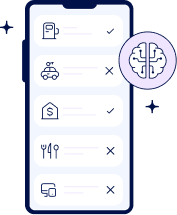
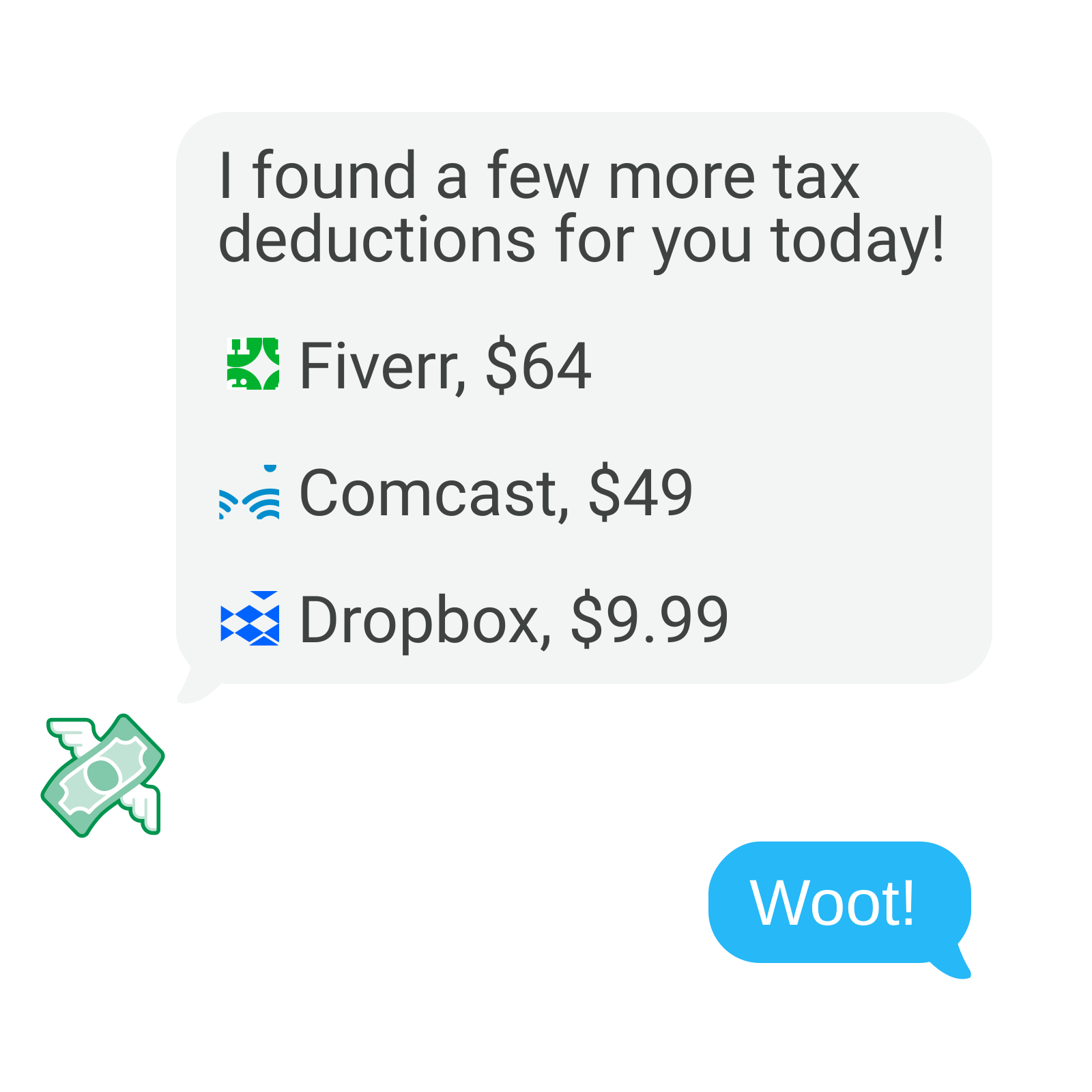
- AI-powered write-off detection. Keeper scans your bank account transactions to identify potential tax deductions — so they’ll all be handy in the same place when it’s time to file your taxes
- User-friendly interface that makes it easy to check write-offs, edit your subscription, and receive tax support from a personalized assistant
- Direct tax filing in the app. Alternatively, you can export your write-offs into an itemized spreadsheet for your records or financial advisor
- Quarterly tax calculator. Keeper has a quarterly tax calculator on its website that can be used to estimate quarterlies, as well as your yearly tax bill
{write_off_block}
Keeper Tax: Cons
- Quarterly taxes are supported in the premium version. Keeper’s quarterly tax calculator is free. However, you need a premium subscription to access assistance with quarterly taxes. Don’t need to pay quarterlies? No worries! But if you do, keep this in mind when budgeting for tax season — the specialized assistance is worth the investment
- Keeper doesn’t have an automated mileage tracker. If you’re using the standard mileage method and track your miles, this is something to keep in mind. Unless you’re driving a ton for work, you’ll likely save more using the actual expenses method. Read more about this distinction in Keeper’s article about tracking mileage
What freelancers have to say about Keeper vs. QuickBooks
Now that we’ve gone over some of the basics and the pros and cons of each platform let’s dive in and explore some of these features — and read some reviews to get a better sense of what the people have to say.
First, here’s a review from Leah, a verified QuickBooks Self-Employed user, which is quoted from the website Software Advice.
“For me, it took time learning how to use it. There was no clear direction and not everything was prioritized as it should've been. There could've been better placement of the options presented and better instructions on how to find them.”
I agree with this review that the prioritization of widgets on the mobile app could be clearer. On the Keeper app, the first things you see are your estimated savings and recent transactions. Keeper allows me to see my automated write-offs (like car insurance and Venmo payments) right away, and highlights potential write-offs for me to approve.
Here’s a review from Caroline, another QuickBooks Self-Employed user, also quoted from Software Advice.
“Well I was using QuickBooks self-employed, I did like that it would automatically add transactions from my business debit card, my PayPal account, and my Etsy account. I did not like that QuickBooks self-employed was very generalized and I was not able to tweak it or customize it to fit my business and my specific expenses and day-to-day transactions.”
While QuickBooks Self-Employed can absolutely work when you’re just starting out, the app's ability to grow with you could be better. If you are a freelance business owner, you will have to eventually upgrade to QuickBooks Online, as the self-employed version does not allow customization or invoicing. This means manually re-entering a lot of your data — essentially starting over in order to tailor the platform to your needs.
Since Keeper is designed with freelancers in mind, those who plan to hire employees in the future may prefer a platform that caters more to company growth. That being said, Keeper makes it easy to link a company card, and any payments made to subcontractors or potential employees can be marked as a business write-off just as quickly as a gas payment or phone bill.
Keeper vs. QuickBooks as an expense tracker
Like Keeper, QuickBooks Self-Employed also tracks expenses and automates write-offs (which is great!). However, it places marked payments into one of two categories: “reviewed” or “unreviewed.”
For me, only having two categories felt limited, and I felt Keeper gave me more information on my money moves, thanks to the way the app tracks expenses and places them in categories, such as “gas,” “supplies,” “and payments,” right off the bat. (If you need to change an expense’s label, you can do so quickly and easily.)
Here’s a review from Rye Rye Chi, a Keeper user.
“This was the BEST tax experience I have ever had. I opened my own business this year but I had other 1099 from side hustles which made my tax process more complicated then normal. But their app made everything so easy to understand, it organised my books, it sent my tax files for free it was SO SIMPLE. It was PERFECT for me and it saved me HUNDREDS of dollars compared to H&R block…”
As a freelancer who works across several industries, Keeper’s detailed categorization gave me a better idea of how much I’m spending and earning with each specific job. For example, I know gas is an expense related to carpentry jobs, as I use my car to go to and from job sites, and software and tech expenses are for writing gigs.
Keeper helps users better understand the tax system
In addition to its elegant interface, Keeper provides a robust resource center, from its in-app Tax University to personalized tax assistance. If you’re more of a visual learner, Keeper also has its own YouTube channel, with videos on everything from the ins and outs of 1099s to the standard deduction and more.
Here’s a review from Keeper user KayCason1991.
“I am from England and therefore I am clueless about taxes, how to file, tax codes and write offs! This app literally has saved my life! It literally does everything for you and keeps you updated with everything with a mix of automation and a real human being. So if you have a specific question, a human will get back to you! There’s also self help articles….”
QuickBooks also has a tax assistant that gives you the option to “talk to a human” or view tutorials. Unfortunately, these tutorials are geared primarily toward how to use the app itself. The QuickBooks blog provides articles relating to top freelance topics, but unlike Keeper, there are no articles linked to the app — they must be accessed on the blog.
{email_capture}
Summary
Before jumping in, we reviewed the most basic features found on each app, giving you a sense of what standard features Keeper Tax and QuickBooks Self-Employed share. After exploring each app more in-depth, let's round up the outstanding features and rate them to see who gets the gold.
After using both apps, I think Keeper wins out in the following categories:
- Educational resources
- Tax preparation
- User interface
- Expense tracking
- Affordability
By contrast, QuickBooks Self-Employed had an edge only when it came to invoicing and tracking miles.
For me, the wealth of tax knowledge, personalized assistance, and detailed expense tracking features make Keeper come out on top. While QuickBooks Self-Employed has plenty of great features that can help you stay on top of miles and invoices, the app feels like an addition to their accounting software, not a standalone tool designed solely for freelancers.
Keeper knows that many freelancers and small business owners aren’t just doing one job and need a flexible, precise tool to meet their needs.
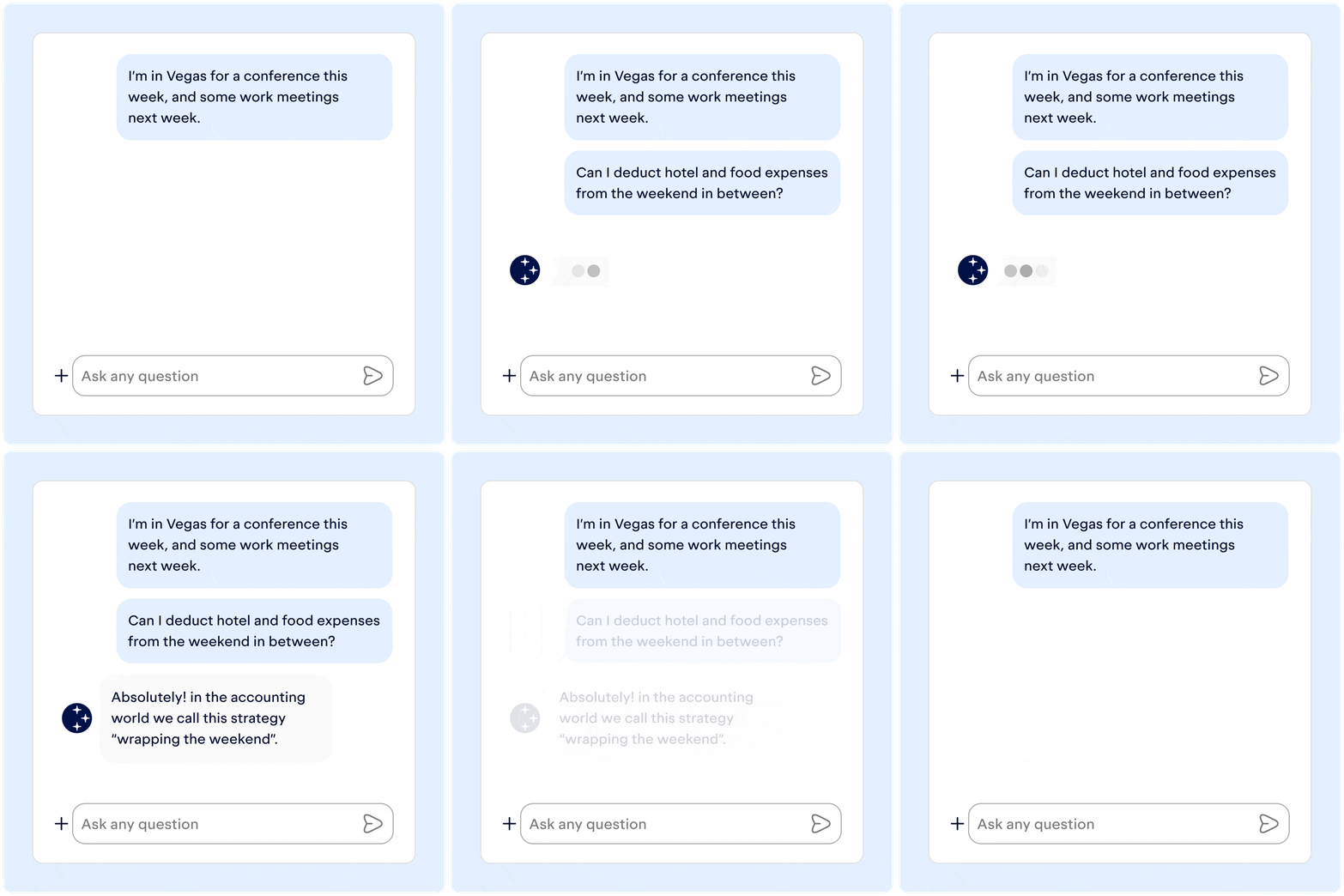
Imagine all your hardest tax questions... answered
Not sure if something is a deduction? Need help understanding your bill? Ask Keeper anything.



Sign up for Tax University
Get the tax info they should have taught us in school
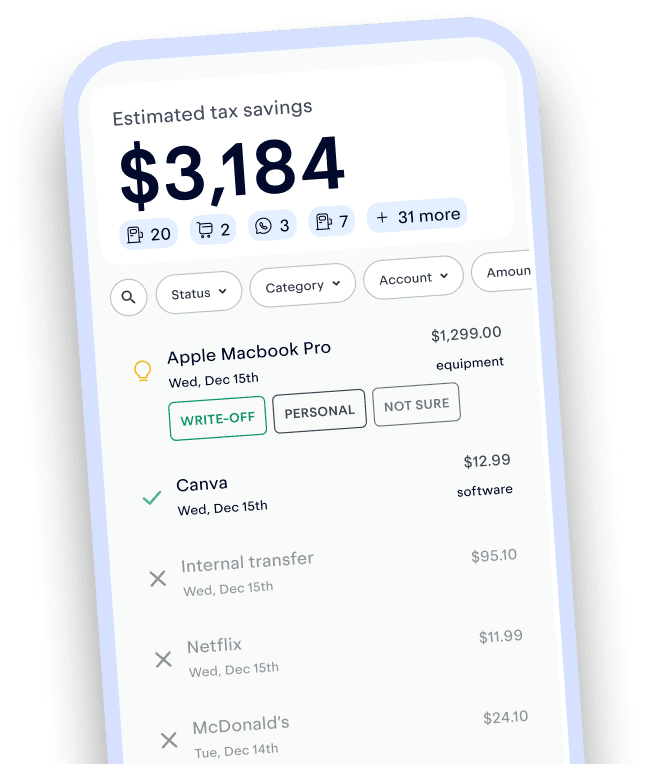
Track and claim every eligible deduction with Keeper
Keeper is the top-rated all-in-one business expense tracker, tax filing service, and personal accountant.



What tax write-offs can I claim?
What tax write-offs can I claim?
Discover effortless tax savings, with Keeper Tax
File complex taxes confidently



Recommended Videos
More Articles to Read


